
How to remove ums from video
Step-by-step help for cutting ums, erms, filler words and long pauses, by hand or with erm.
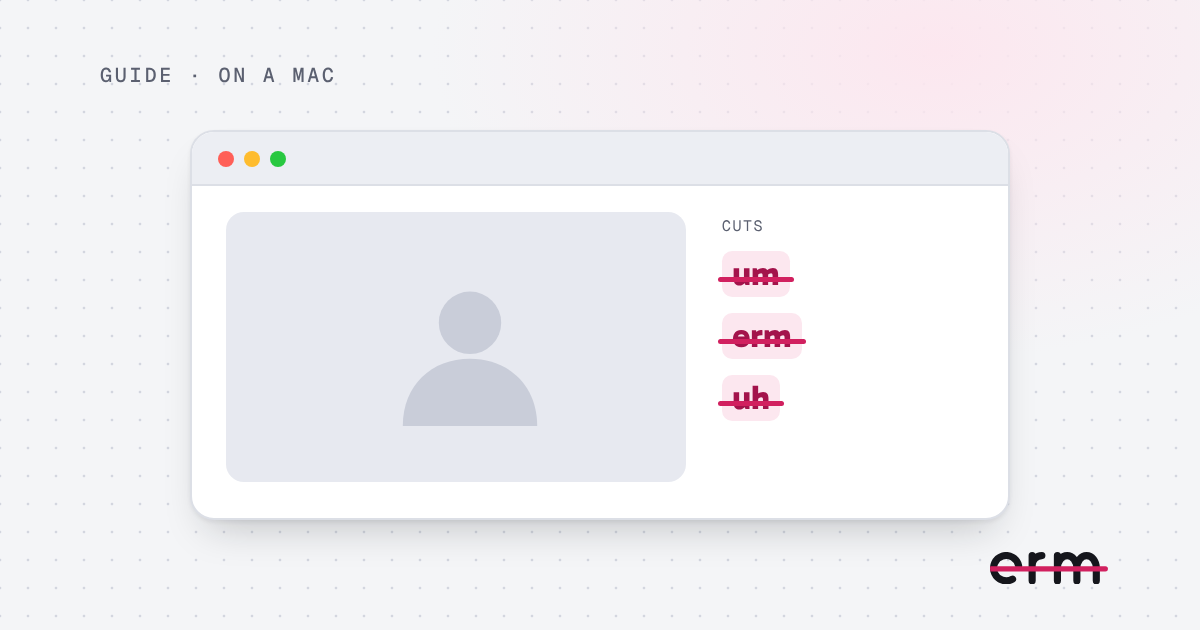
How to remove ums from a video on a Mac
Two ways to cut ums, erms and long pauses from a video on a Mac: by hand in a video editor, or automatically with erm.
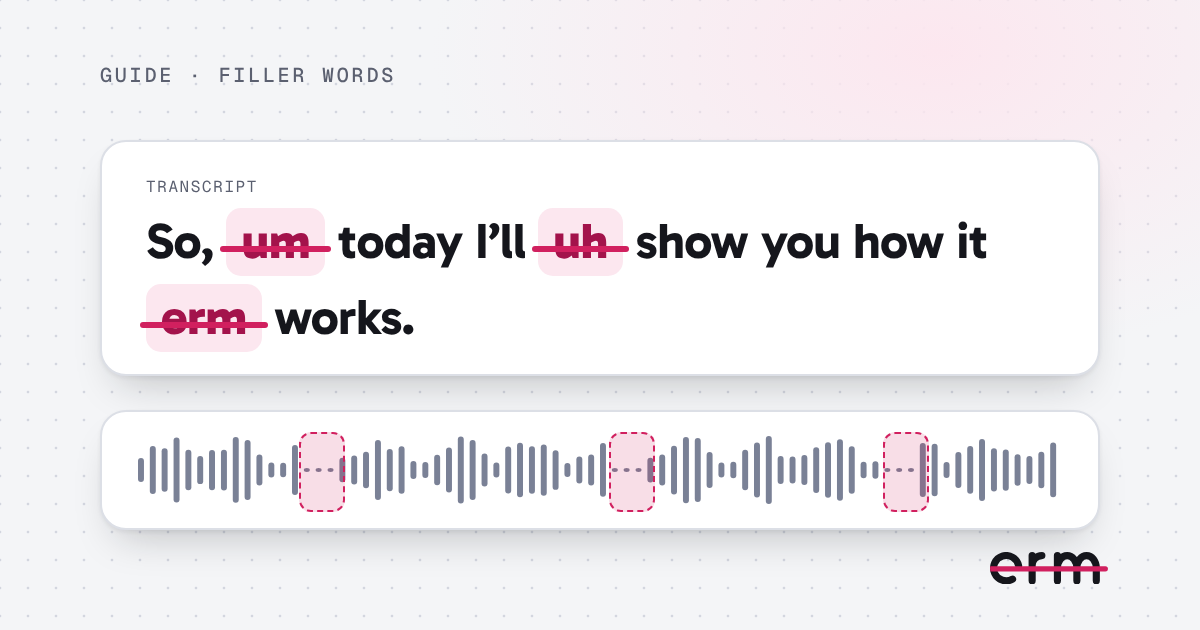
How to remove filler words from a video
Filler words like um, uh and erm can be cut from a video by hand or automatically. Here is how each works on a Mac, and how to keep the result sounding natural.

How to remove erms and uhs from a video
Erm, er, uh, um, ah and hmm are all filler sounds. Here is how to find and cut them from a video on a Mac, and why the spelling you use does not matter.
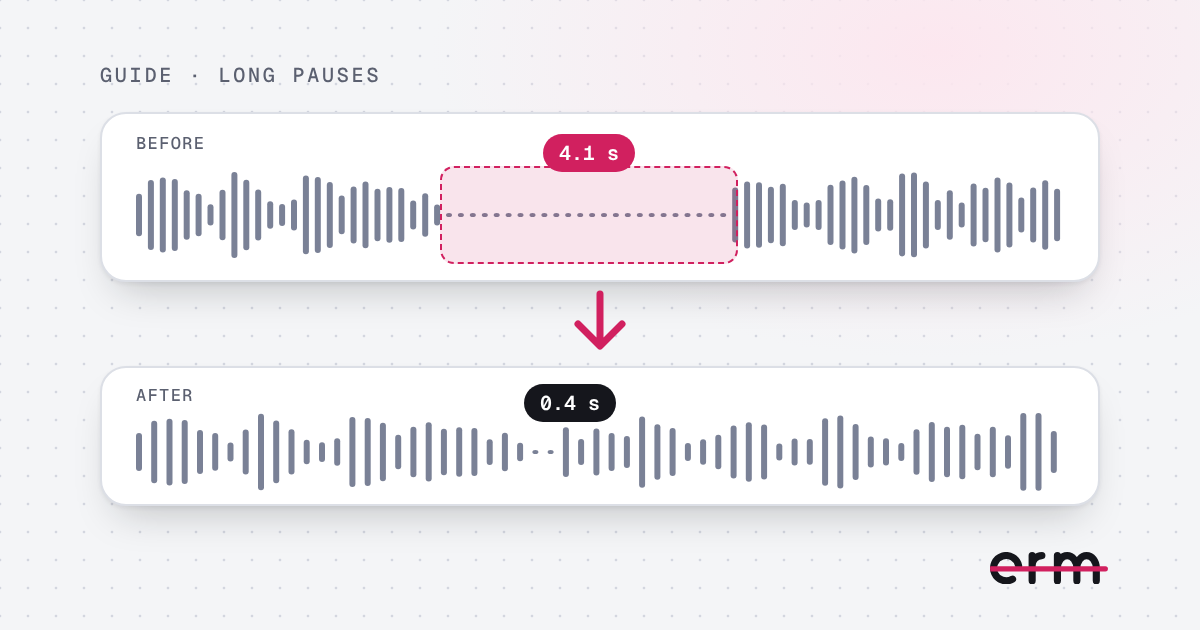
How to remove silence and long pauses from a video on a Mac
Long silences make a video drag. Here is how to shorten the pauses in a talking-head video on a Mac without making it sound chopped.
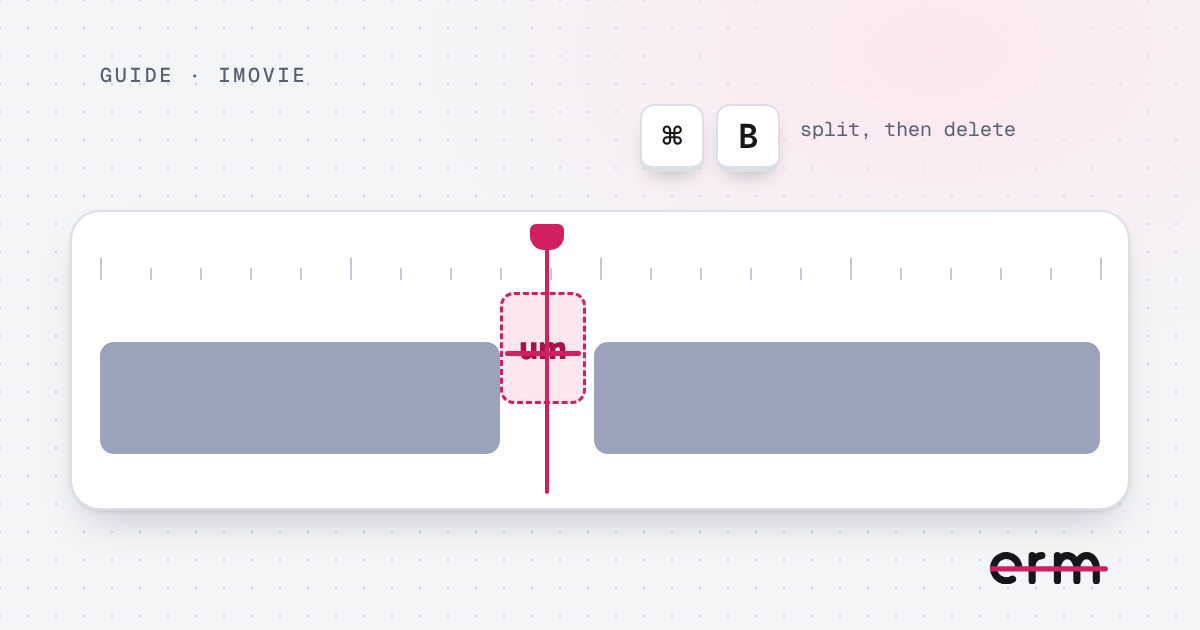
How to remove ums in iMovie
iMovie has no tool for finding ums, so you cut each one by hand. Here are the steps, and a faster way to do it before you start editing.
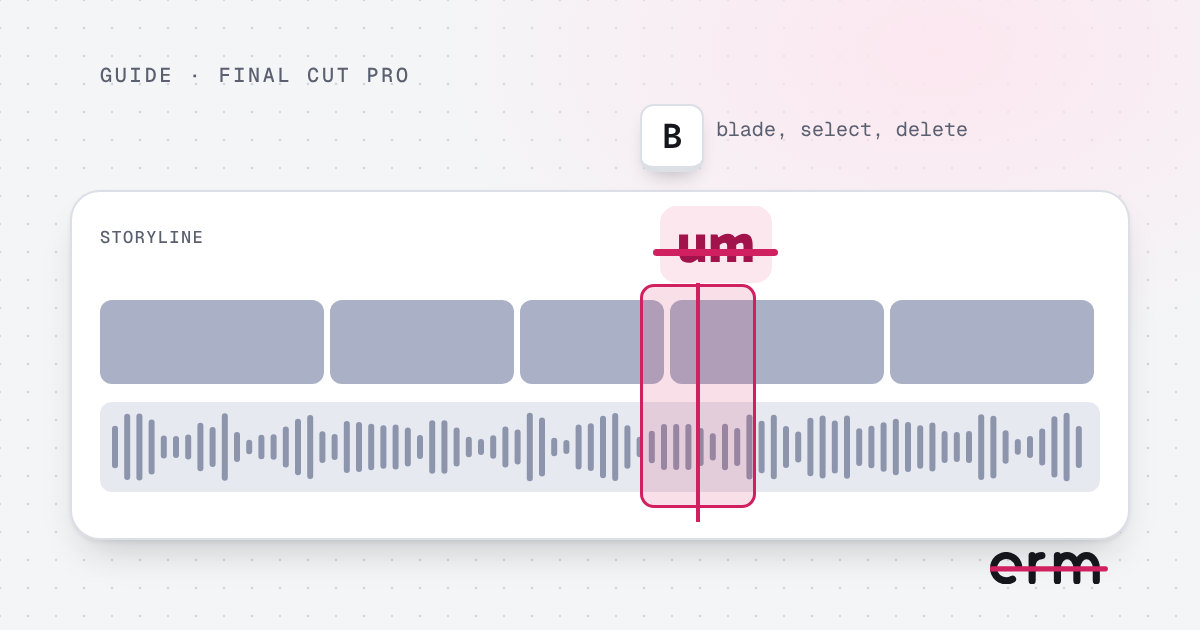
How to remove ums in Final Cut Pro
Final Cut Pro has no one-click way to remove ums, so you split and delete each one. Here are the steps, and a quicker way to clear them before you edit.
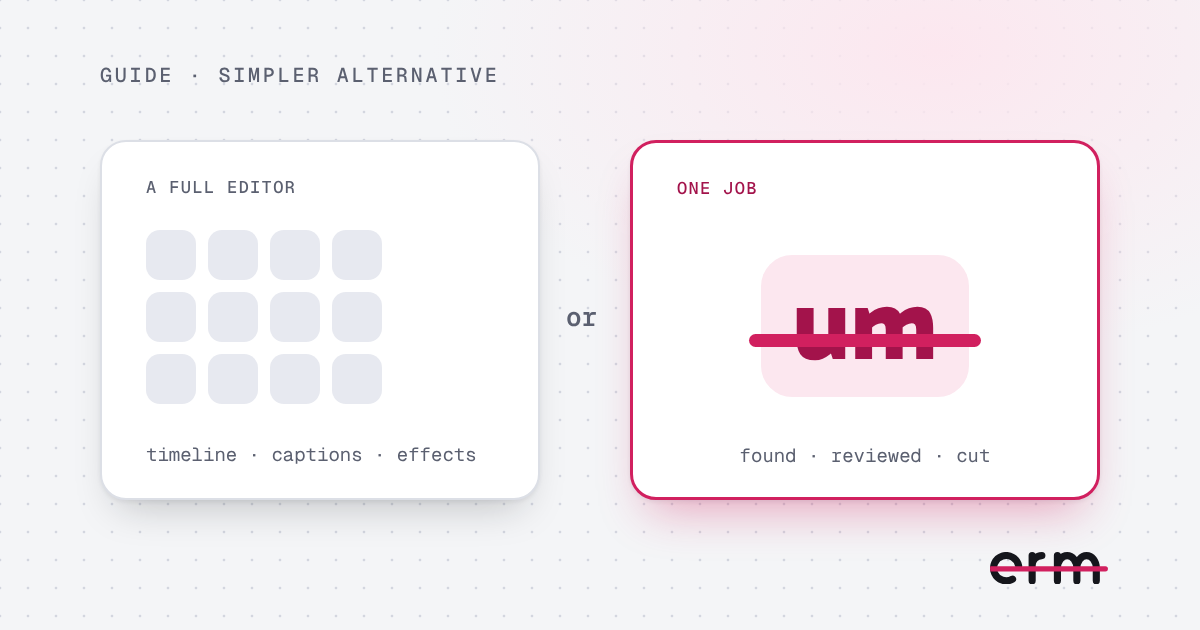
A simple Descript alternative for removing ums on a Mac
If you only need to cut ums, erms and long pauses, a full editing suite may be more than you want. Here is how erm compares: it runs on your Mac, uploads nothing and costs $29.99 once.