
How to remove erms and uhs from a video
In the UK people say “erm”, in the US they say “um”, and plenty of us say “uh” or “er”. They are the same thing: a sound that fills a gap while you think. All of them can be cut from your video.
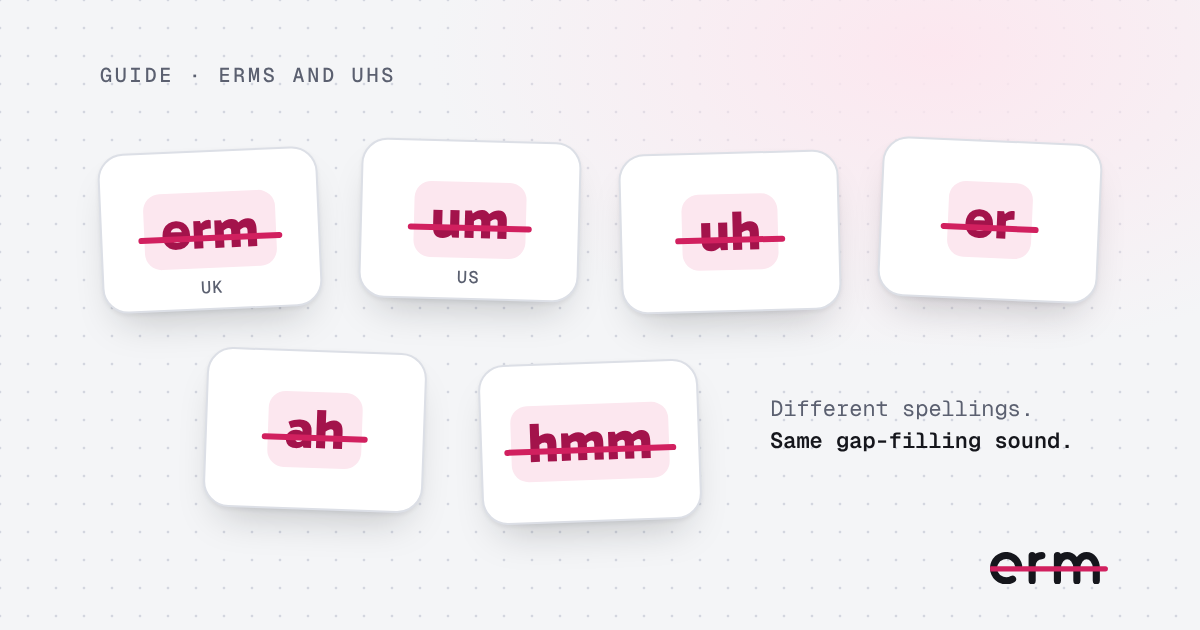
The sounds, and what they are called
- Erm and er are the usual British spellings.
- Um and uh are the usual American ones.
- Ah and hmm are thinking sounds that turn up in the same places.
Speech tools write the same sound in different ways (“umm”, “uhm”, “ehm”, “errm”), so a good remover treats the spellings as one. erm does: it listens for the sound, whichever way it would be written.
Why they are worth cutting
A few are natural and nobody minds them. A video with one every few seconds is tiring to watch, because each one is a small stumble the viewer hears again on every replay. Cutting them keeps the message clear without changing what you said.
How to cut them on a Mac
- Drop your video into erm.
- It marks every erm, er, um, uh, ah and hmm, plus any long pause, in a list and in the transcript.
- Play any cut to hear it. Keep the ones you want and let the rest go.
- Save the edit. Nothing is uploaded, because all of it happens on your Mac.
You can switch individual sounds off in Settings. If you only want the “erms” gone and would rather keep the odd “hmm”, you can.
Want to say them less in the first place?
Editing fixes this video. Speaking habits fix the next one. Our post on how to stop saying “um” has five things that help, and why we say “um” explains where the habit comes from.
For the full process, read how to remove filler words from a video.
Questions
Is “erm” the same as “um”?
For editing purposes, yes. They are both filler sounds that fill a gap while you think, and erm finds both.
Does it work with a British accent?
Yes. erm listens for English filler sounds, including the British “erm” and “er”. You review every cut before saving, so anything it gets wrong is easy to fix.
Can I keep some of them?
Yes. You see every suggested cut and can keep any of them, or switch a whole sound off in Settings.
erm is coming soon to the Mac App Store. First 3 videos free, then $29.99 once or $19.99 a year.