
How to remove filler words from a video
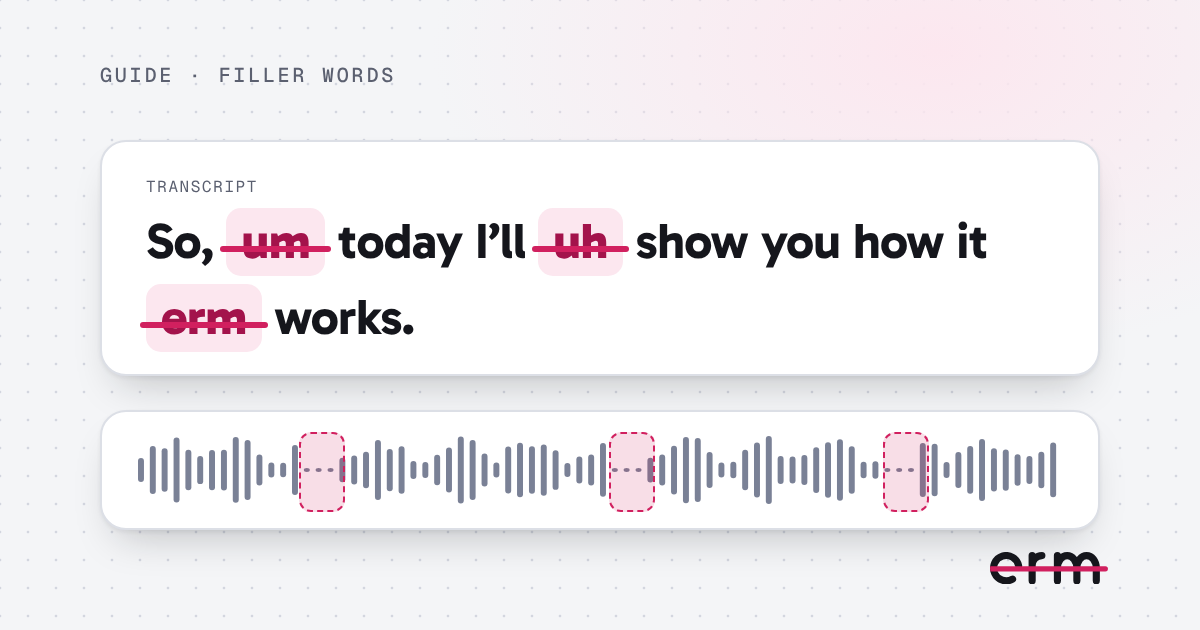
Filler words are the sounds and phrases that fill gaps while you think: “um”, “uh”, “erm”, and sometimes “like” or “you know”. You can take them out by hand or have a tool find them for you.
What counts as a filler word
There are two kinds. Filler sounds, such as um, erm, uh, er, ah and hmm, carry no meaning, so they are almost always safe to cut. Filler words, such as “like”, “so”, “you know”, “I mean” and “actually”, are real words that are sometimes filler and sometimes part of the sentence. Cut those with more care.
Option 1: cut them by hand
- Open the video in an editor and play it from the start.
- Stop at each filler word and split the clip just before and after it.
- Delete the piece and close the gap.
- Listen to the join, and adjust it if it sounds chopped.
This gives you full control, but a ten-minute video can hold dozens of fillers, and the joins take practice to hide.
Option 2: let a tool find them
A filler word remover listens to the video, marks each filler, and cuts the ones you approve. With erm, that looks like this:
- Drop in a .mov, .mp4 or .m4v video.
- The app listens and marks every erm, um, uh and long pause. It does this on your Mac, so nothing is uploaded.
- Review the cuts. Keep any you like, or click any other word in the transcript to cut it.
- Save the edited video.
Keep it sounding like you
- Cut the filler sounds first. Turn on words like “so” and “like” only if you hear a real habit.
- Shorten long pauses rather than removing all silence. A short breath helps the listener keep up.
- Listen to the whole result once before you share it.
Working on a particular kind of video? See how people use it for YouTube videos, course videos and product demos, or read the step-by-step Mac guide.
Questions
What is the easiest way to remove filler words from a video?
Use a tool that listens for them and lets you review each cut, rather than hunting for them by ear. erm does this on a Mac, and your first 3 videos are free.
Which filler words does erm find?
Erm, um, uh, er, ah and hmm are on by default. Real words that are sometimes filler, such as “so”, “like” and “you know”, are off until you turn them on.
Will removing filler words make me sound robotic?
Not if you keep a natural pause between thoughts. erm shortens long silences to a breath rather than removing them, and you can keep any cut you are unsure about.
erm is coming soon to the Mac App Store. First 3 videos free, then $29.99 once or $19.99 a year.