
A simple Descript alternative for removing ums on a Mac
Descript is a full editing tool built around a text transcript, and it does much more than remove filler words. If all you need is to clear ums and long pauses from a video, a smaller tool may suit you better. That is what erm is.
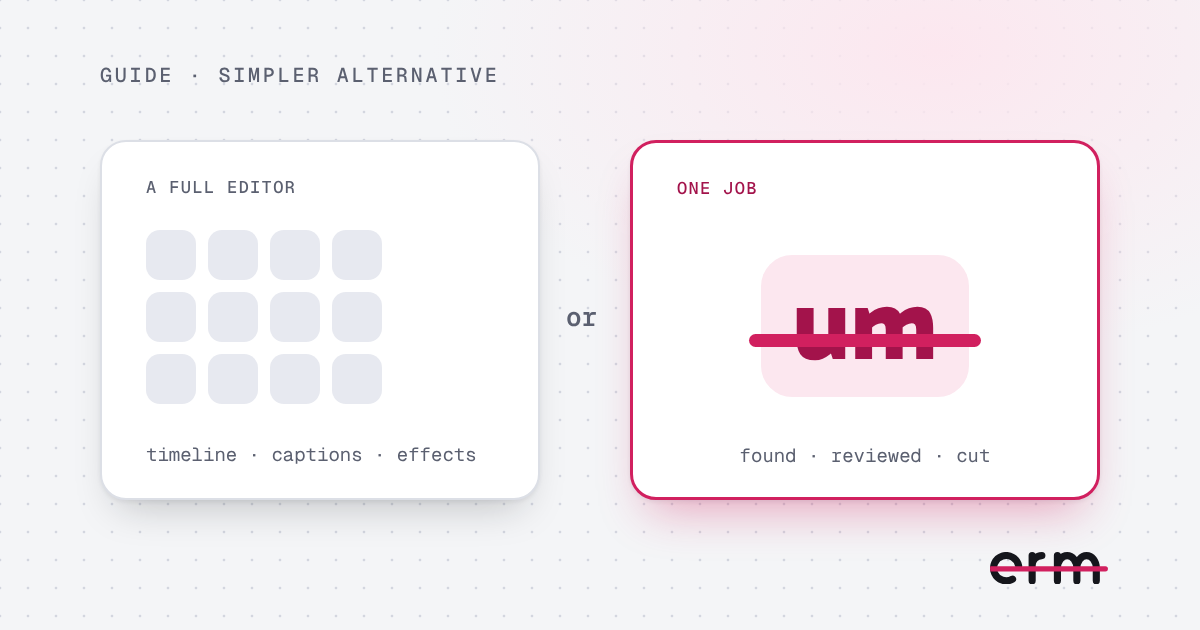
What each is for
Descript is an editor. You edit audio and video by editing text, and it adds captions, effects, screen recording and more. That is useful if you want it all in one place, and it is more to learn.
This app does one thing. It finds ums, erms, uhs and long pauses in a talking-head video and cuts the ones you approve. It does not trim, caption or add music, so it is meant to sit alongside the editor you already use, or to be used alone when ums are the only problem.
Where erm is different
- Private. All the listening and cutting happens on your Mac. Your video is never uploaded. After a one-off download of its listening model (about 500 MB), it works offline.
- Simple. Drop in a video, review the cuts, save. There is no project to set up and no account to create.
- Pay once. Your first 3 videos are free, then it is $29.99 once, or $19.99 a year if you would rather. There are no hour limits.
- You stay in charge. Every cut is a suggestion. Keep the ones you want, and cut any other word from the transcript.
When Descript is the better choice
If you edit a lot of audio, want captions and effects, work in a team, or edit on Windows, a full editor does more for you. erm is a Mac app (macOS 14 or later) for video, and it only cuts fillers and pauses.
Choosing
Tools change, so check each one’s current features and pricing before you decide. If your job is “remove the ums and get on with it”, this guide shows what the process looks like, and the pricing page has the details.
Questions
Is erm a replacement for Descript?
Only if you just need to remove ums and long pauses. Descript is a full editor. erm does one job and does it on your Mac.
Does erm upload my video?
No. All listening and cutting happens on your Mac. After a one-off model download, it works offline.
How much does erm cost?
Your first 3 videos are free. After that it is $29.99 once, or $19.99 a year. Either unlocks everything.
Does erm run on Windows?
No. erm is a Mac app and needs macOS 14 Sonoma or later.
erm is coming soon to the Mac App Store. First 3 videos free, then $29.99 once or $19.99 a year.